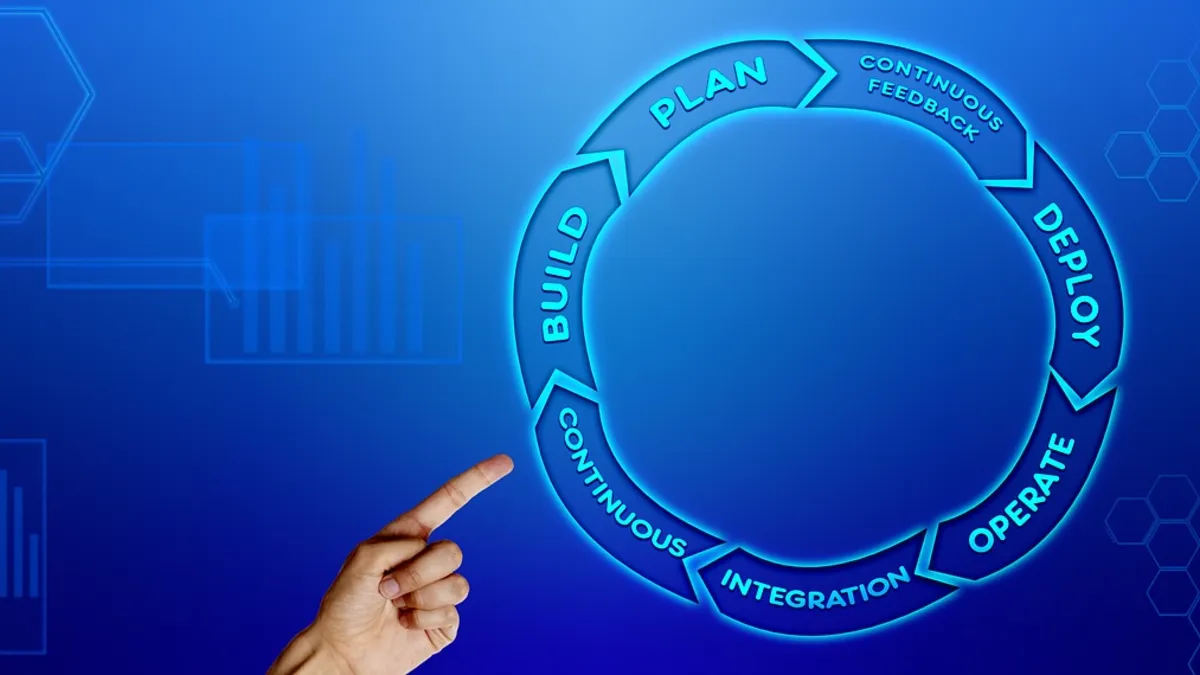
Late payments are rarely about unwilling customers. More often an invoice was sent late, went to the wrong person, contained a mistake or simply was not followed up. Each of those is an admin problem — and admin problems are what automation is best at. A well-designed invoice-to-cash workflow creates invoices the moment work is delivered, sends polite reminders on a schedule, records payments automatically and flags exceptions to a human. This guide shows how to build one, where the risks are and how to measure the result.
In this article
The invoice-to-cash workflow, step by step
- 1
Trigger
A job is completed, an order shipped or a subscription period ends.
- 2
Create
Invoice generated with the right customer, items, tax and terms.
- 3
Deliver
Sent by email or portal with a payment link.
- 4
Remind
Scheduled nudges before and after the due date.
- 5
Reconcile
Payments matched to invoices automatically; exceptions flagged.
Each step normally involves several people and tools: sales, operations, accounting, a payment provider and the customer. Automation works by connecting them so data moves without being retyped — the connective layer explained in what API integration is.
What to automate first
| Automation | What it does | Typical benefit |
|---|---|---|
| Invoice creation from orders or jobs | Builds the invoice from your CRM, store or project tool | No retyping; fewer errors; faster billing |
| Recurring invoices | Issues subscription or retainer invoices on schedule | Predictable cash flow |
| Payment links | Adds a one-click pay option to every invoice | Customers pay sooner |
| Automatic reminders | Sends friendly nudges at set intervals | Fewer overdue invoices |
| Payment reconciliation | Matches payments to invoices and marks them paid | Hours saved each month |
| Overdue escalation | Alerts a person when an invoice passes a threshold | Human attention where it counts |
Reminder cadence that works
Reminders should be polite, clear and easy to act on. A common pattern is a courtesy note before the due date, a reminder on the due date, then escalating but courteous follow-ups after it. Include the invoice number, amount, due date and a payment link every time.
- A few days before due: friendly heads-up with the payment link
- On the due date: short reminder
- A few days overdue: polite follow-up asking if anything is blocking payment
- A week or more overdue: firmer message and an alert to your team
- Beyond that: a human conversation, not another automated email
Reduce errors at the source
- Single source of truth: pull customer details, prices and tax from one system rather than retyping.
- Validate data: required fields, tax rules and totals checked before an invoice is sent.
- Approval step for unusual invoices: large amounts or non-standard terms go to a person first.
- Audit trail: a log of what was generated, sent and paid and when.
Build, buy or connect?
Use your accounting tool’s features
- Most accounting packages include recurring invoices and reminders
- Fast and inexpensive to switch on
- Limited by what the software supports
- Great starting point
Connect systems (no-code or custom)
- Creates invoices from your CRM, store or project data
- Handles your real workflow and exceptions
- No-code for simple flows; custom for volume and complexity
- See Zapier, Make or custom automation
For where this fits in the bigger picture of finding your best automation candidates, see business process automation: where to start.
Compliance and security notes
- Follow the invoicing, tax and record-keeping rules for your country and customers; check with your accountant.
- Protect payment and customer data: use reputable payment providers and avoid storing card details yourself.
- Restrict who can change invoice templates, tax rates and automation rules.
- Back up your financial data and keep records for the legally required period.
Measure the result
| Metric | What improvement looks like |
|---|---|
| Days sales outstanding (DSO) | Falls as invoices go out faster and are paid sooner |
| Invoice error rate | Fewer corrections and credit notes |
| Hours spent on billing admin | Drops each month |
| Overdue share of receivables | Shrinks as reminders do their work |
| Time to reconcile | Minutes instead of hours |
Frequently asked questions
Creating invoices from orders or jobs, sending them with payment links, recurring billing, reminders for upcoming and overdue payments, and matching incoming payments to invoices.
Get the next guide in your inbox
One useful article on apps, software, AI and automation when we publish. No spam, unsubscribe any time.
We use your email only to send these guides. See our privacy policy.
Ready to talk it through?
Tell us what you’re planning and we’ll give you an honest recommendation — no pressure, no jargon. You can also explore our business automation services.