Automation designed around your workflow.
We connect the tools you already use and automate the repetitive steps in between — mapped to how your business actually operates, not a generic template.
Lead follow-up
What we automate
The repetitive parts of running a business.
Lead capture
Catching interest the moment it happens, instead of it sitting in an inbox.
Lead qualification
Sorting real prospects from browsing before your team spends time on either.
Customer support
Handling common questions automatically, escalating what needs a person.
Appointment scheduling
Booking, confirming and rescheduling without back-and-forth emails.
Email workflows
Sending the right message at the right point in a process, automatically.
CRM updates
Keeping customer records current without manual re-entry.
Data processing
Moving and reshaping data between systems without a spreadsheet in between.
Document processing
Extracting and routing information from documents automatically.
Notifications
Alerting the right person the moment something needs attention.
Reporting
Generating up-to-date reports from real data, not a manual export.
Internal workflows
Moving work between steps and people without anyone having to chase it.
Example workflows
What this actually looks like.
A few example flows — the exact steps, tools and triggers are mapped to your existing workflow, not copied from a template.
Website lead to a followed-up sale
Website Lead
AI Qualification
CRM
Sales Notification
Follow-up
Reporting
A customer message to a resolved request
Customer Message
AI Triage
Answered or Ticketed
CRM Updated
Team Notified
A document to an updated system
Document Received
Data Extracted
Validated
System Updated
Notification Sent
Built around your business
Not a template — a map of how you already work.
Every workflow above is an example, not a fixed package. We start by understanding your actual process, tools and rules, then automate that — not a generic version of it.
We won't promise a fixed percentage of time saved or a guaranteed return before we've seen how your business actually operates — that's what discovery is for.
FAQ
Common questions.
No. It's built to handle the repetitive, rules-based parts of a process so your team spends less time on data entry and follow-ups, and more on the work that needs judgement.
Guides
Read before you build.
Plain-English guides from our team on choosing, planning and budgeting this kind of project.
 Automation
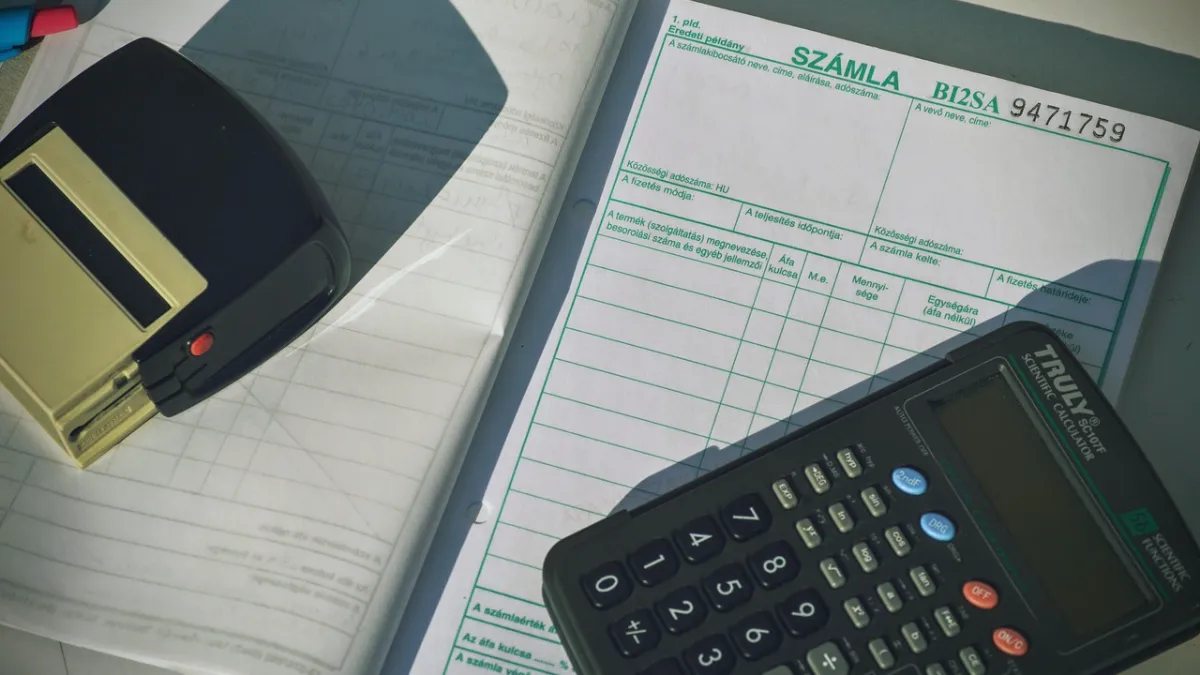
Invoice and Payment Automation: Get Paid Faster With Less Admin
How to automate invoicing and payment follow-up: create invoices from orders, send reminders, reconcile payments, reduce errors and what to watch out for.
· 4 min read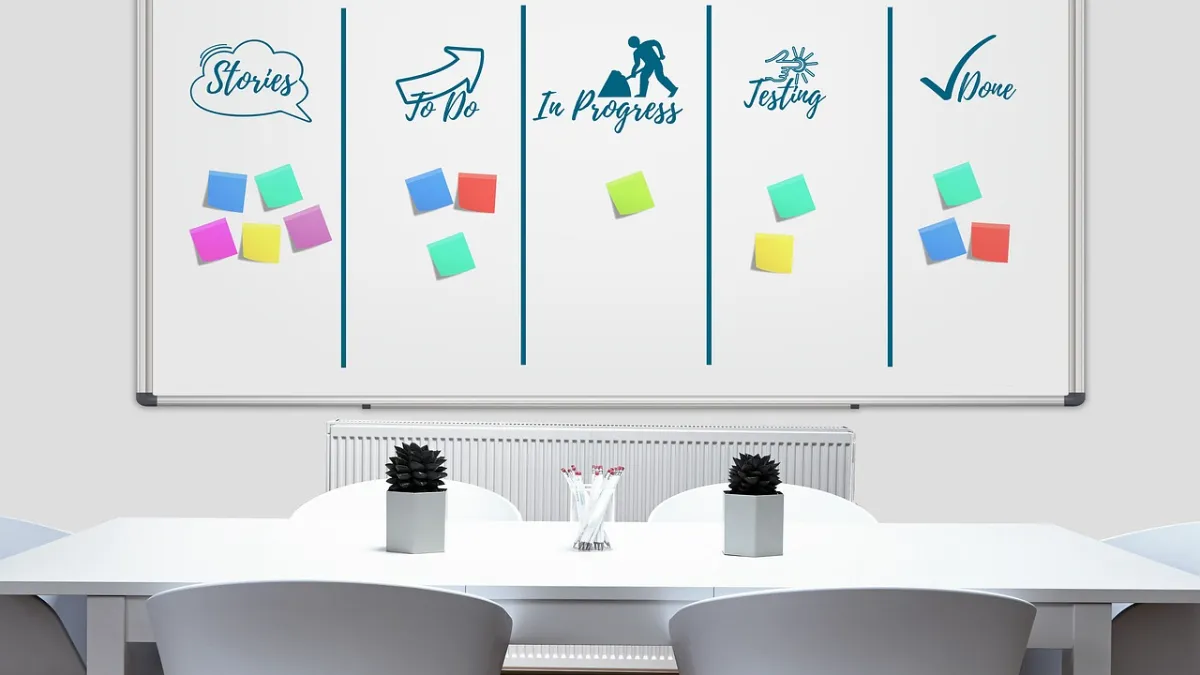 Automation
Zapier, Make or Custom-Built Automation: Which Should You Use?
Compare no-code tools like Zapier and Make with custom-built automation: cost at scale, reliability, security and complexity — plus a simple way to choose.
· 4 min read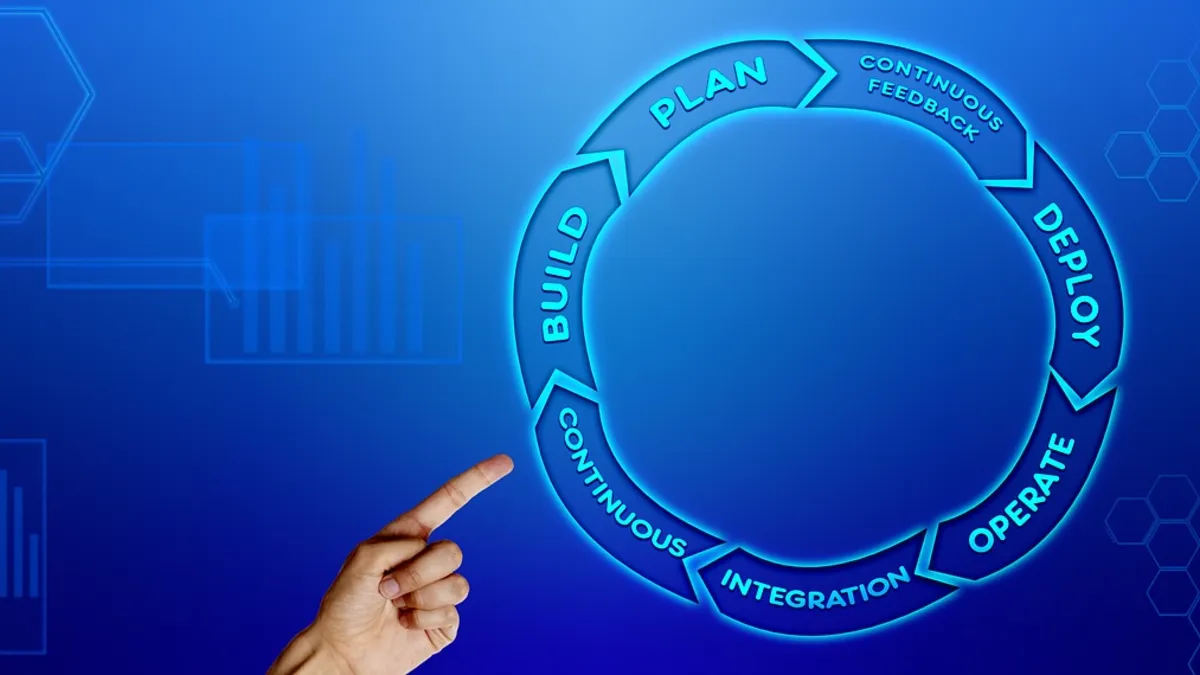 Automation
Business Process Automation: Where to Start (and What to Automate First)
How to start with business process automation: pick the right workflows, score them, estimate the return and roll out step by step.
· 8 min read
Ready to automate the repetitive parts of your business?
Tell us which process is taking up too much time — we'll map out whether automation is the right fix before we build anything.